With canprintweb, your guests pay you directly. Karley never handles your customers' money.
Apply now Get in touch Rent an Eddie
Stripe and PayPal: just enter your details
You use your own Stripe and/or PayPal account. Enter your credentials, test the connection, activate. If you offer both, the guest chooses. Test first without real money, then go live.
Invoice at handover
The guest gets a confirmation when paying, a collection notice when the order is ready, and the invoice exactly when the goods cross the counter. Invoice numbers run consecutively with your own prefix. Under the German small-business scheme (§ 19 UStG), receipts show no VAT, and canprintweb warns you if your settings don't match.
Refunds and cancellations
When you refund an amount, a cancellation receipt is created automatically. Refunds you trigger directly in Stripe or PayPal are picked up too.
Loyalty code on the receipt
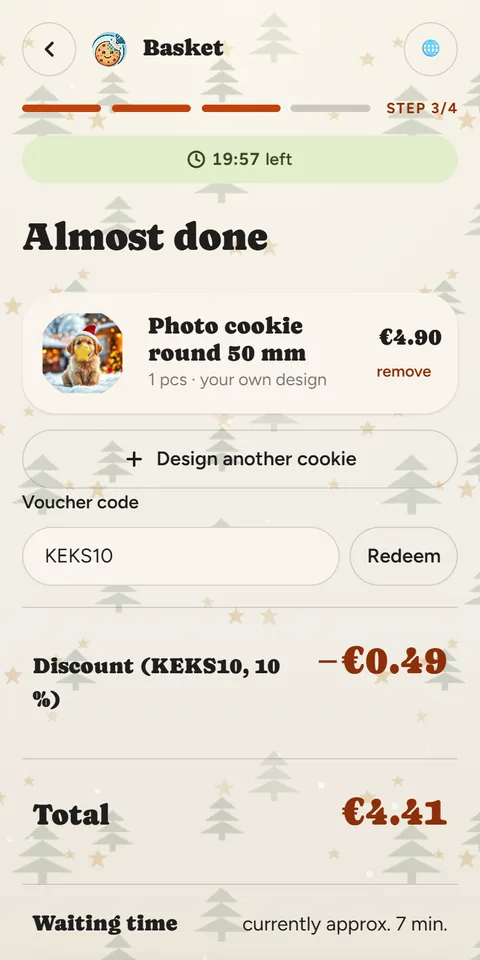
A discount code on every receipt brings guests back to your stall. canprintweb adds the legally required notices for advertising in the invoice email automatically.
A model to suit you
We offer different models: per cookie, short-term rental or subscription. There is something for everyone – just talk to us.
Your payment provider's fees run through your own contract.
Ask about your terms Per cookie, short-term rental or subscription: talk to us and we will find your model.